You don’t need to find the one embroidery machine for every task; it’s about finding the right embroidery machine for the embroidery you’re planning. Someone who is just beginning to make monograms occasionally versus someone who makes embroidered shirts for customers on a daily basis has completely different requirements.
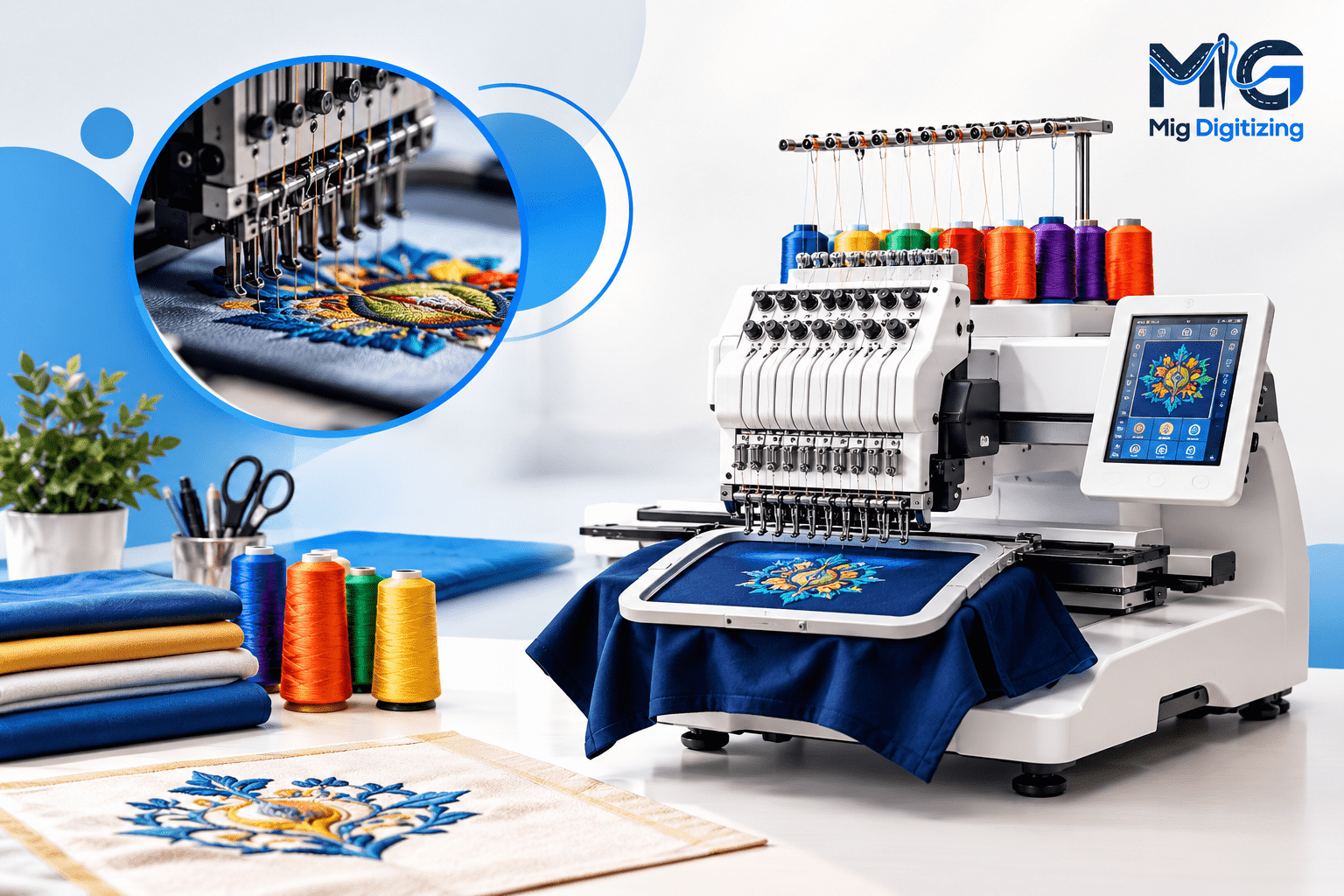
Embroidery machines can differ significantly in the embroidery area, the size of the hoop, the configuration of the needle, the speed, the possibility to connect them to different machines and computers and to other devices, the built-in designs, software compatibility, and production capacity. An embroidery machine that is compact and has fewer needles might be more accessible and lower cost, and a multi-needle embroidery machine may be more efficient at changing colors and completing larger jobs.
Before purchasing embroidery machines, take into account the design you wish to embroider, the regularity with which it will be used, the maximum design size for which you need the machine, and what you are looking to generate: personal projects or an embroidery machine for a home business.
There is no single specification that defines the best embroidery machine. Rather, multiple factors need to be taken into account.
If you have no experience in machine embroidery, a simple machine with a touchscreen that is easy to use, has automatic needle threading, a design library, and can transfer designs via USB or a wireless port should be easier to learn.
Another step that a beginner should take is to check the tutorials, manuals, customer support, and replacement accessories offered. Machines with good-looking specifications may not be very useful if they are complex machines.
The ideal embroidery machine for novices in 2026 should be large enough to allow the child to acquire the skill without requiring the embroiderer to deal with a lot of commercial-level features.
The type of use you plan to make of the machine should help determine the category of the machine.
A home machine can be used for occasional personalization, gifts, monograms, towels, shirts, and small craft projects. However, if you are going to take on customer orders on a regular basis, you need more production capacity.
For small business embroidery, you might require a bigger embroidery field, faster embroidery pace, effective thread management, robust build, and attributes that decrease personal labor.
For a commercial environment, especially if a large number of garments or a large embroidery design is to be repeated, a dedicated commercial embroidery machine may be necessary.
Single needle machines will usually only work one color at a time. When multiple colors are used in a design, the operator may have to move the thread manually between the color sequences in a design.
A multi-needle embroidery machine holds more than one colour of thread in use. During the design stage, the machine can choose the appropriate needle for the desired process, thus minimizing manual color change operations.
That does not necessarily mean that one is better than the other. For home use, a one-needle machine can be handy, and when creating multiple-color designs over and over again, a multi-needle machine can be helpful.
One of the most significant specifications to review prior to buying is hoop size.
Smaller embroidery fields can accommodate names, monograms, pocket logos, and smaller shirt designs. The larger the field, the more space for jackets, big chest designs, decorative panels, and more.
The embroidery field does not necessarily correspond to the size of the hoop, so consult the manufacturer for the maximum embroidery field.
The specifications for the exact machine should be verified, as, for instance, Brother documentation for some models lists details of what can and can’t be done in certain fields and formats.
The purchase price is only part of the cost of machine embroidery.
Embroidery hoops, stabilizer, embroidery threads, needles, embroidery software, other embroidery hoops, cap attachments, replacement parts, and embroidery design files may also be required. The cost is the same in that a machine that is inexpensive in the beginning might end up costing more when certain equipment has to be bought separately.
For a company, take into account production time also. The value of a machine that can decrease manual thread changes or accommodate larger designs may be more than it’s worth.
Instead of wondering which machine is the best, think about which machine type is best for what you want to do.
Choosing the best embroidery machine for beginners is rather difficult.
If you’re new to embroidery, try to find a machine that threads easily, has a simple learning curve, and supports popular embroidery formats.
Automatic needle threading, automatic thread trimming, an embroidery design library, embroidery fonts, USB connection, and a display are useful.
For the beginner, it is not necessary to start with a large embroidery field or many needles at one time. Knowing the stabilizer and hooping options, how they are used, working with thread tension, needles, and learning how to use machine-ready embroidery files is more important than purchasing the highest-end machine that you can afford.
Home embroidery should be done with the best embroidery machine for home use, which should be able to accommodate your work area and the designs you intend to stitch.
For those who primarily want to embroider on shirts, towels, bags, kids’ garments, and presents, a medium embroidery field is probably satisfactory. Another advantage of wireless design transfer is that it eliminates the hassle of having to move design files time and again via USB drives.
For home users, there are also factors to consider: noise, maintenance, the number of accessories that are available, and whether the machine is an embroidery machine only or a combination embroidery and sewing machine.
Instead of just picking the cheapest embroidery machine, a good embroidery machine for a small business should be chosen according to the production needs.
When it comes to making logos over and over on shirts, uniforms, caps, bags, or promotional shirts, consider the speed of the machine, the number of hoops it has, how the thread is controlled, the field size for embroidery, reliability of the machine, and the manual labor involved.
A multi-needle machine effectively cuts down the number of times the machine has to be stopped to change thread colors when producing a lot of multi-color designs in a small business.
Large designs need adequate embroidery space and a suitable hooping system.
A small 4 × 4 inch field might be limiting if you want to embroider large panels for the jacket or oversized decorative designs or are working on a project that is going to need a lot of coverage.
Some machines can allow larger hoops or multiple settings, and the process varies from machine to machine. Be sure to view the embroidery area as a field and do not rely on the availability of a larger hoop for stitching a big design.
When buying a budget embroidery machine, consider the machine’s value beyond the price, and not just the machine’s advertised price.
If it offers the necessary file compatibility, USB transfer, adequate support, and essential accessories, along with the necessary size of the hoop, a low-cost machine might be a good option for beginners.
But if you have the intention to start your own embroidery business in the future, you may end up spending more money in the long run by purchasing a very small machine and replacing it in the near future.
A single-needle vs. multi-needle embroidery machine is mainly associated with their handling of the colors of the thread and the production procedure.
A single-needle machine is a machine that only utilizes one needle position at a time. Therefore, when creating a multi-color design, changes of thread are required during production.
A multi-needle machine is a machine that will load more than one color at a time. The machine can be set to change loaded needles to conform with the design sequence.
However, if manual thread changes are a problem, they may not be that big of a deal for occasional home embroidery. Many repeated color changes may increase operator time for commercial embroidery.
Some garments and products can also be configured for multi-needle machines, which also use tubular embroidery. This selection will depend on the amount of work you do, your budget, the amount of space available, and what kinds of products you embroider.
Before buying, be sure to check the maximum embroidery field. Consider the actual products and not just the hoop size.
For those who primarily embroider shirt pockets or small logos, a small field will likely work well. When making big designs, check for a machine that can cope with them.
Built-in lettering and embroidery designs are included in many machines. These can come in handy if you want to make a basic project without having to buy extra artwork.
Note that, however, if you’re going to be using custom logos or artwork, you should also take into account built-in designs. Your ability to import custom embroidery designs may be much more important.
Not all embroidery machines will accept the same file formats. These are often the formats that are common to a lot of types of machines, like DST, PES, JEF, EXP, etc., and it depends on the brand and model.
For instance, Brother lists the formats that are supported by certain machines, and Janome lists the JEF stitch-data format as its default format for Janome/Elna embroidery machines.
Depending on the model, Bernette models can accept several common formats such as EXP, PES, DST, and JEF.
So please review the manual for the machine you are buying designs for or ordering digitising on before you buy them or order digitising on a machine you don’t know.
The speed of stitching is measured in terms of stitches per minute. Performance is not only measured by maximum speed, because a higher maximum speed means lower production time.
Actual production time can be impacted by a number of factors including the complexity of the design, frequent trims, color changes, fabric attributes, and stitch density.
A machine that performs well and reliably at a suitable speed is more beneficial than a machine promoted by the manufacturer because of the maximum stitches per minute.
Convenience features can drastically cut down on manual labor.
It can have automatic thread trimming, automatic needle threading, thread break detection, automatic thread tension adjustment, hoop positioning, and design preview functions.
These features are especially helpful when creating many items, as they can improve the overall process by eliminating small manual tasks.
Examining design transfer to machine. Some are USB-based; others use Wi-Fi or wireless design transfer.
It is also important to have an understanding of the difference between editing software and digitizing software. You can use editing software to modify, rotate, combine, recolor, or position existing designs. When it comes to creating embroidery designs from art, there are tools available in full digitizing software to make it possible to create stitch-based embroidery designs from artwork.
Embroidery software, for instance, can be used to edit images, including resizing, rotating, mirroring, aligning, text manipulation, and multiple embroidery formats, in Bernette embroidery software.
An embroidery machine is a fantastic investment, but how much should you expect to pay for one?
No one amount is right for everyone.
A novice who is creating occasional designs can have vastly different needs from a business that is making hundreds of garments. Do not choose a budget first and then determine what you can buy, but decide what’s the lowest you can go.
Take into account the embroidery field, quantity of needles, machine velocity, file compatibility, built-in hoops, interconnectivity, computer software, warranty, and service availability.
Determine current thread, bobbin, stabilizer, needle, software, design, maintenance, and accessory replacement costs.
If you are using the computer for business, then the production volume should be included in the calculation. The machine that saves operator time may be worth different things to those that are used for occasional personal reasons.
The best embroidery machine for a home business will be based on the products and quantity of orders.
A single-needle home machine will serve as a great starting point for occasional custom shirts, names, monograms, and small logos.
A multi-needle machine might be a better option for repeat orders with a variety of thread colors, logos, uniforms, or for higher volumes.
Also take into account the maximum design size. When it comes to embroidery, for businesses that specialize in creating shirt logos, ensure that the embroidery field of the machine can handle the usual sizes that customers request.
The machine should also be able to handle the file formats that you get from designers or digitizers if you want to run a home business. This is especially vital in the event that you need to hire expert embroidery digitizing services.
A common error is to select a machine because it is the cheapest. The lowest-priced machine might not even offer the embroidery field, file compatibility, or production capabilities that you might require.
Another error lies in the lack of consideration of the size of the hoop. Until you find out that your most popular designs don’t work in the embroidery field of a machine, it may look like it can do professional work.
However, it is important for the buyers to also be aware that not all machines can embroider all formats. Supported formats differ depending on the model, as indicated by the manufacturer’s documentation.
Another problem is accessories. See if extra hoops, cap attachments, software, USB connectivity, or any other components are included.
Last but not least, don’t mistakenly equate machine capability with design quality. A poor digitized embroidery file can result in poor quality embroidery regardless of the quality of the machine.
It is not always necessary to use professional digitizing for each project. Simple projects can be achieved with built-in designs and ready-made machine embroidery files.
For some fabrics, or for certain logos or artwork, a more detailed design or lettering may be necessary, though, and this can be a bit more careful.
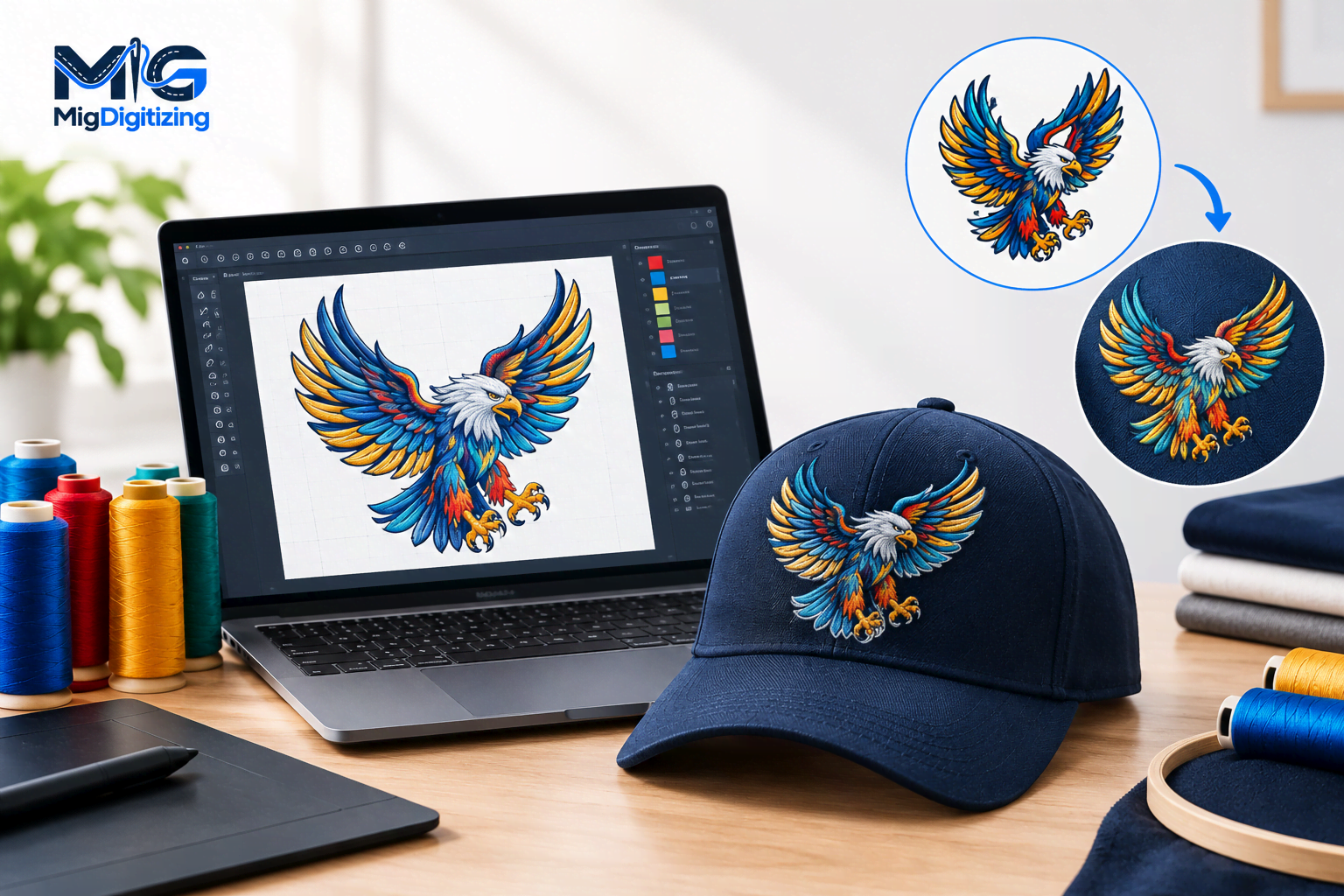
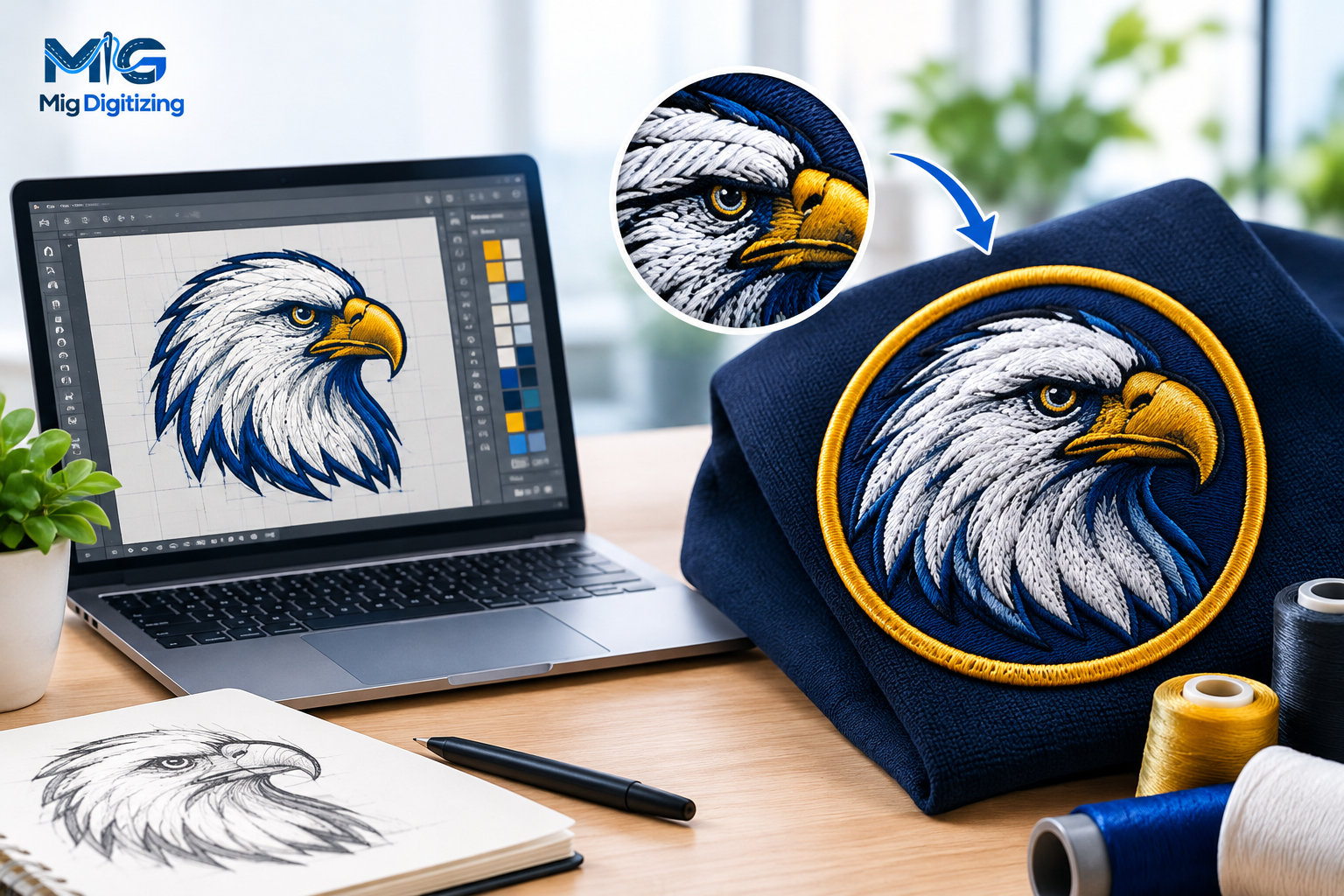
Embroidery digitizing services are designed to transform artwork into a format the embroidery machine can use. A professional digitizer can take into account the direction of stitches, stitch density, underlay, sequencing, fabric type, and size of embroidery intended.
The proper file format for your machine is also crucial. The design can be provided by the digitizer in any format necessary for the machine, including PES, DST, JEF, EXP, or other formats.
For instance, Janome uses JEF as the machine stitch-data standard, while Brother machines are often PES compatible and may be DST compatible on compatible machines.
Professional digitizing can therefore be used along with a good embroidery machine. The machine regulates the physical sewing operation, and the embroidery file dictates the instructions for creating the embroidery.
The first embroidery machine for beginners to use is the one that suits their projects and is also easy to use. Some key factors to consider are the hoop size, file compatibility, built-in designs, automatic features, connectivity, and support.
Using a multi-needle machine may be beneficial for creating multiple-colour designs frequently since multiple thread colours can be loaded simultaneously. If you’re planning on doing a project around the house from time to time, you might not need the extra power.
Select an embroidery field that you are likely to create the most large ones on. Monograms and small logos can be used on small fields, and shirts, jackets, and big decorative designs can be accommodated in larger fields.
Of course, a home machine can be a great first step for a small embroidery business, especially for smaller orders. Before purchasing, make sure that its embroidery field, stitch speed, hoop options, file support, and production processes correspond to the products you intend to sell.
The formats supported depend on the machine. As seen in Brother, Janome, and Bernina documentation, there are different combinations of formats supported by different brands and models, so make sure to check the exact machine specifications before buying or making files.
Not necessarily. If using ready-made machine embroidery files, you might require a means to get the files onto the machine. Embroidery software that allows for the creation or significant alteration of designs can be helpful if you wish to develop your own designs or are required to digitize them.
Oct 19 , 2026 at 11:12:47
Oct 21 , 2026 at 06:37:49
Oct 14 , 2026 at 09:00:43